
- #4
- Protection
Telling your brand story with A+ content
What A+ content and brand stories do
The bottom of the product page is where you clear up shoppers' hesitation right before they buy. Two types of content with different roles live here.
Shoppers who reach the bottom are different
Shoppers who scroll all the way to the bottom of a product page are already seriously considering a purchase. At this stage, they leave for one of two reasons: their last doubt wasn't resolved, or they go back to the competing product they were comparing. A+ Content and Brand Story are designed to prevent exactly these two drop-offs. It's a proven area — Amazon itself officially states that adding A+ Content can increase sales.
A+ Content works at the product level. It clears up hesitation with the deeper explanations the gallery couldn't fit — detailed features, usage context and comparison charts — and prevents drop-offs by linking to your other products.
Brand Story works at the brand level. Create it once, and it appears on every one of your product pages. By showing why you started and what makes you different, it turns an unfamiliar brand into "a brand that's safe to buy from." The newer the brand, the more it matters.
The Brand Story carousel can include links to your Storefront and other products. It's an entry point that keeps shoppers within your brand — even if this product isn't the right fit, they move on to another of your products instead of a competitor's.
What to include
The key to A+ Content is going deeper, not repeating the gallery. If the gallery gave shoppers a reason to buy, A+ Content is where you provide the evidence that the reason can be trusted: materials and manufacturing methods, certification and testing information, before-and-after comparisons, and answers to the questions shoppers ask most. Use the comparison chart module to show your lineup side by side, so shoppers for whom this product isn't the right fit can still find another option within your brand.
Brand Story is made up of a brand introduction card and Q&A cards. Short paragraphs answering "Why did we start?", "What makes us different?" and "What do we promise our customers?" are enough. Rather than writing at length, the test is whether the copy reads naturally on every product page it appears on.
There are two tiers of A+ Content. Basic A+ Content combines image and text modules, while Premium A+ Content lets you use larger images plus video and interactive modules, which is even better for conversion. However, Premium requires meeting additional eligibility criteria set by Amazon before you can publish it.
Two of those criteria are well known: a Brand Story must be published on all of the brand's products, and the brand must have a certain number (5) of approved A+ Content submissions within the last 12 months. In other words, Premium A+ Content is the next step that opens up to sellers who have diligently run Basic A+ Content and Brand Story first. That's also why this article covers Brand Story alongside A+ Content. Since the criteria may change with Amazon's policies, it's safest to check the latest requirements in Seller Central before publishing.
(Both types of content can only be published by sellers enrolled in Amazon Brand Registry. You can create them before enrolling, but enrollment is required at the time of publishing.)
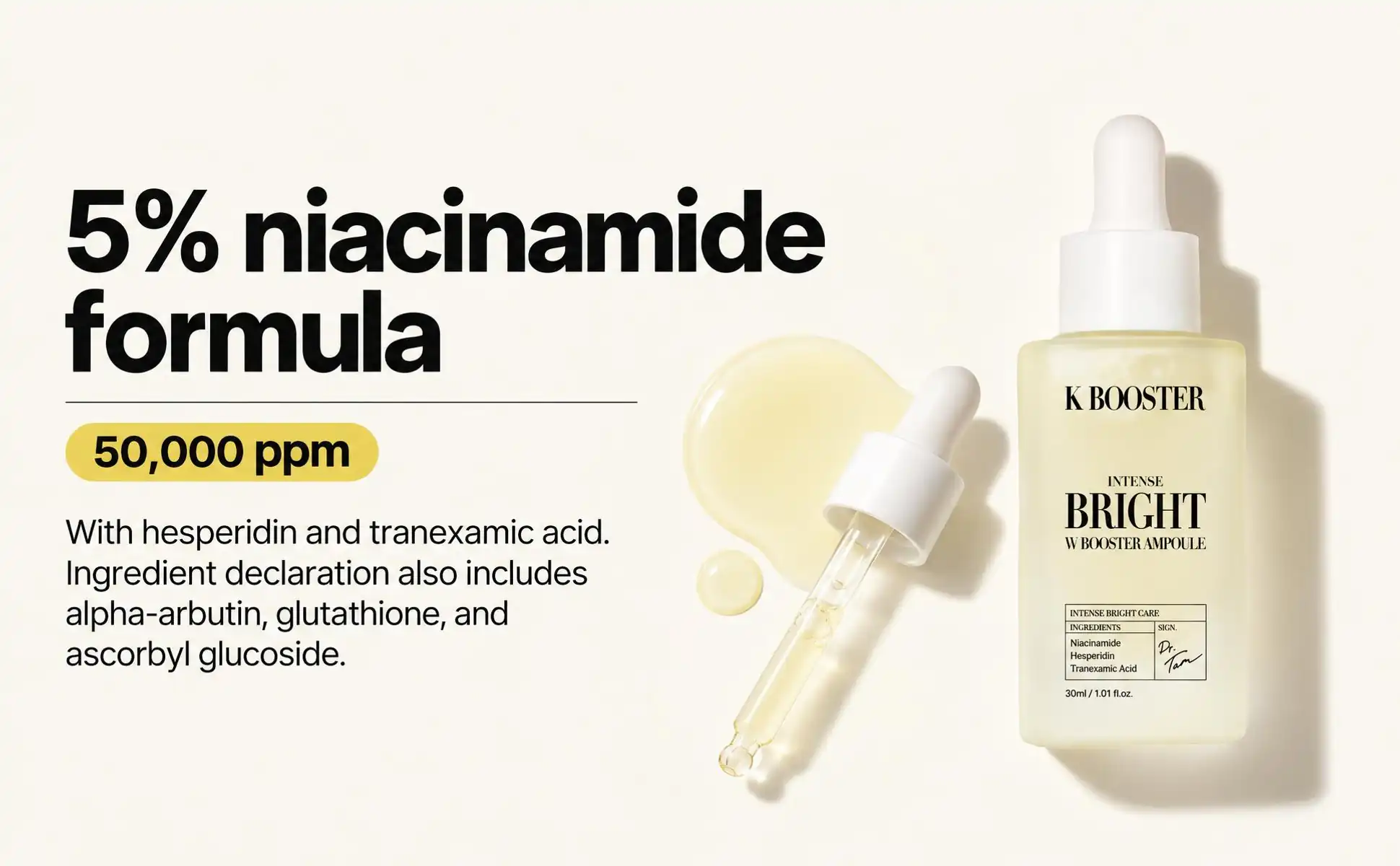
How Oneable does it
Oneable AI generates everything from thumbnails to A+ Content as one set, from the same marketing plan. That's why what your gallery says and what your A+ Content says connect into a single story. For Brand Story, it automatically analyzes your brand's appeal points from your product information and builds it at the brand level. Create it once, and it's used across all your products. (Brand Story is coming soon.)