
One shadow, and the photo carries weight.
If the cutout is clean but the photo still feels weightless, it is because the shadow is missing. Just pick a type and a direction — AI fills in the rest.
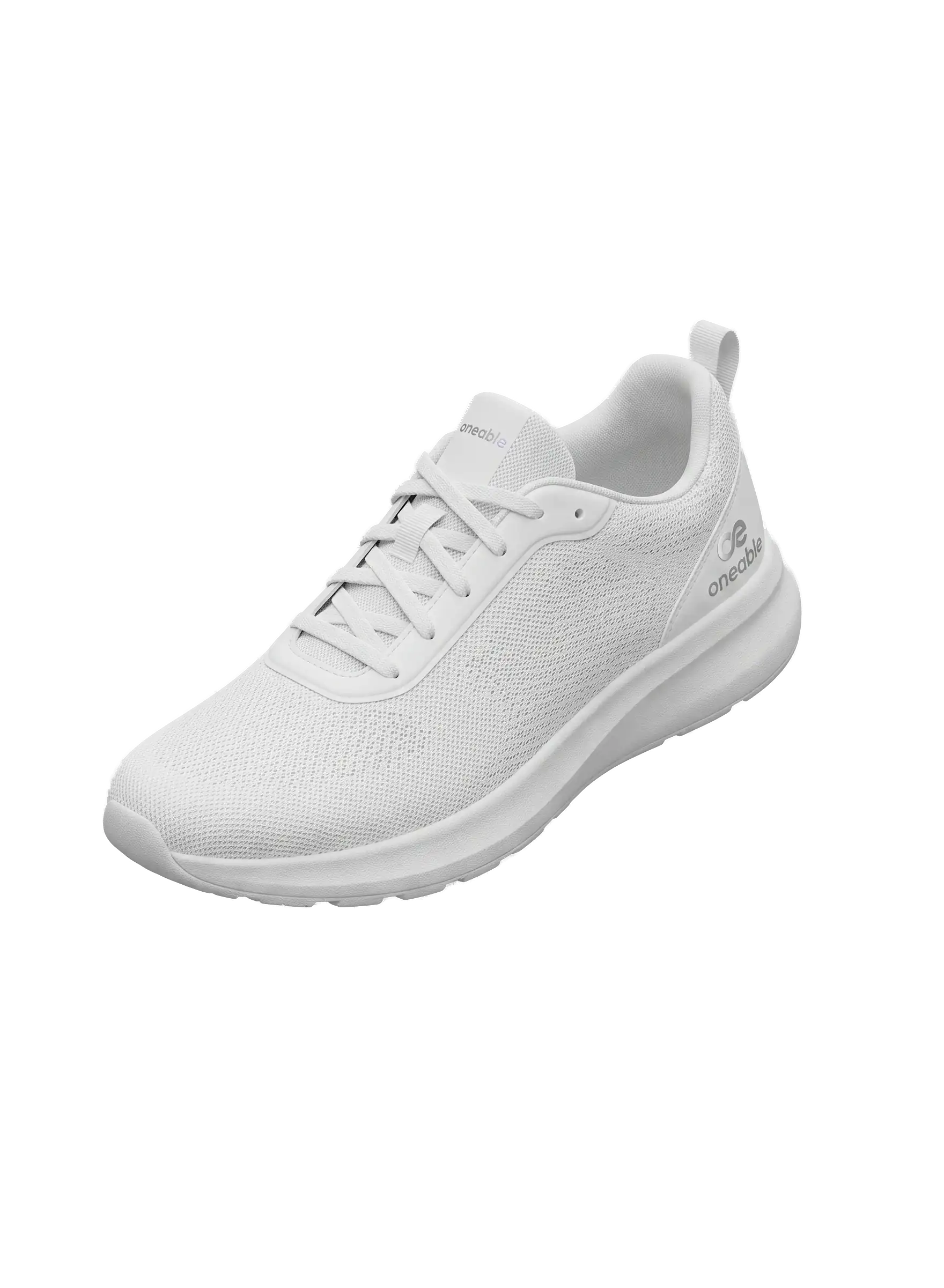 BEFORE
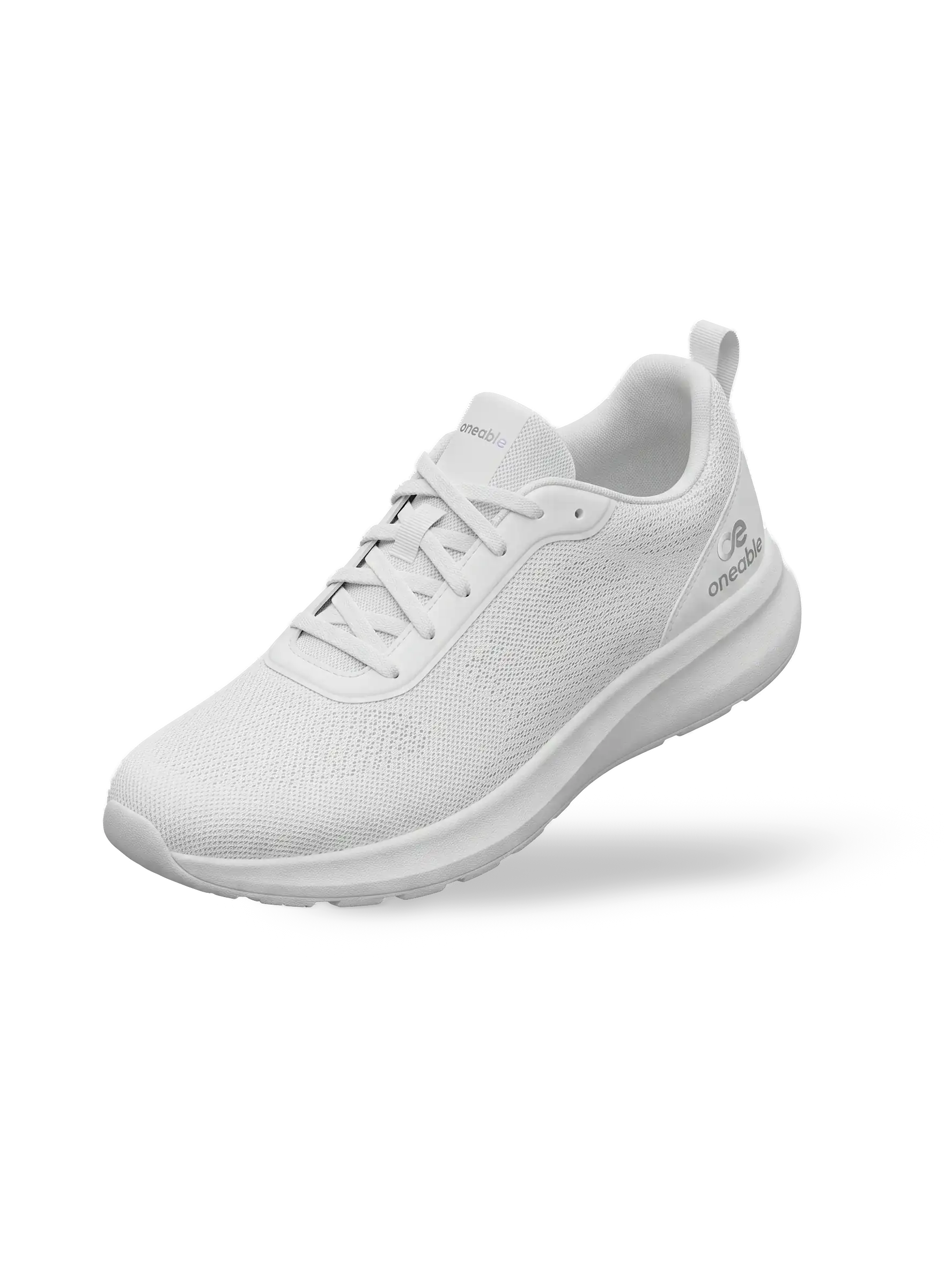 AFTER
AFTER
Don't have an image? Try one of these samples.
Don't have an image? Try one of these samples.
A shadow isn't decoration — it's proof of a finished photo.
No complicated setup — two clicks and it comes together.
Removing the background removes the realism too
A background holds the position the product sits in and the direction of the light. Remove it and the sense that the product occupies real space disappears along with it.
That is why the product ends up looking like a sticker
An image that looks pasted onto the screen leaves an awkwardness that is hard to put into words. That difference is exactly what makes shoppers hesitate.
We calculate the direction of the light and put it back
We analyze the product's shape together with the direction of the light to create a natural shadow. The photo looks like a real photograph again.
3 Steps to Use It
Upload a photo
Original or cutout, it makes no difference — just upload the photo and it gets tidied up for you.
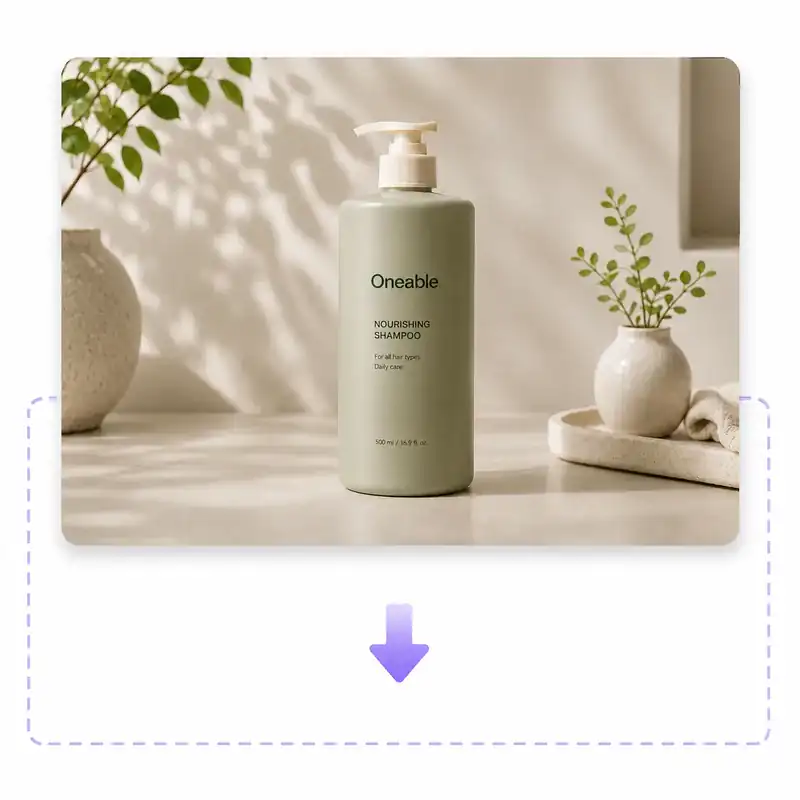
Automatic shadow
Check the ground shadow applied with proven default settings.
Download the result
Adjust the shadow style and the light direction, then download the naturally finished image.
Who's using it right now
Trust already starts in the thumbnail.
An image with a shadow looks like a real product.
Make flat images more dimensional
Add a single drop shadow and the product stands out naturally on screen.
Unify the shadow direction across every shot
Match dozens of images to the same light direction so the entire campaign comes together as a single set.
Even better together
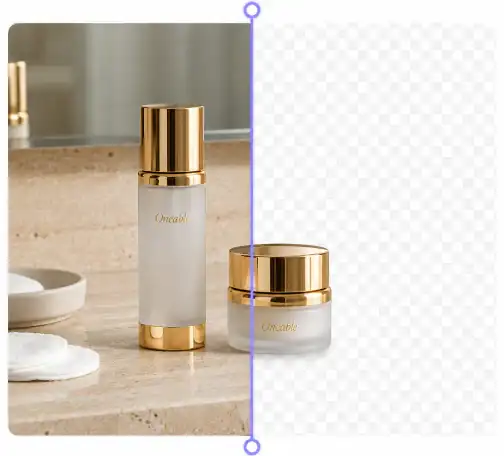
AI Background Remover
Clean up the background before you add the shadow.
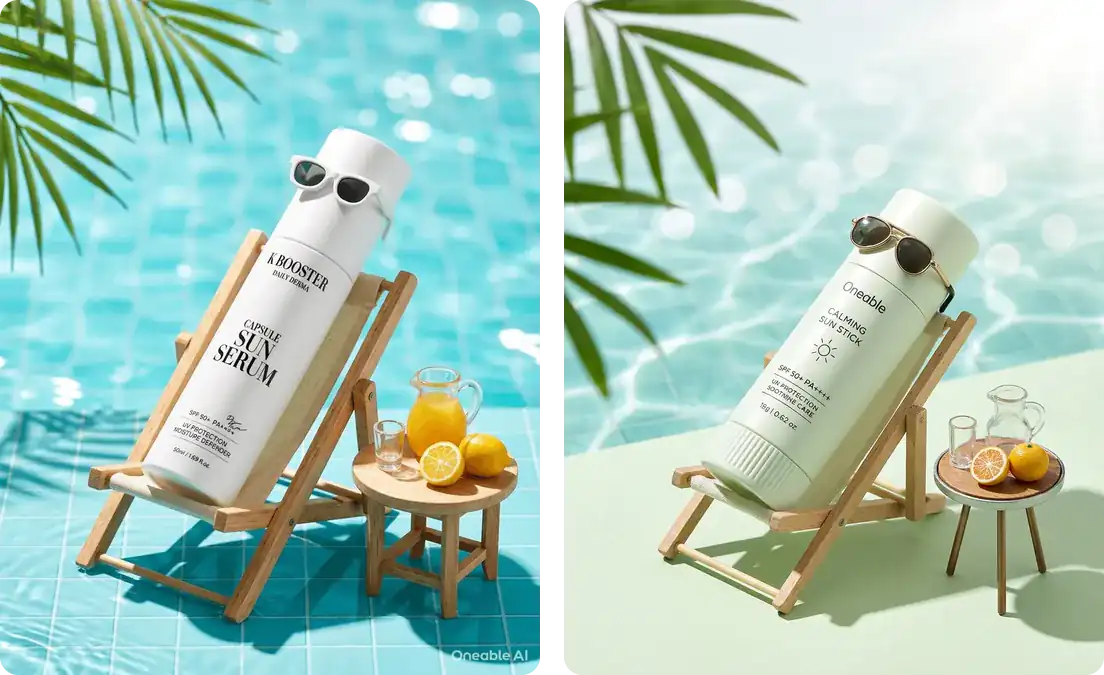
Reference Image Generation
Bring the style you love straight to your own product.
Smart Tuner
Generate the exact brand shot you have in mind.
Just a few clicks
Finished without a single prompt
Light direction calculated
Natural shadows that account for the light source position
Completely free
Unlimited once you log in, no payment
Everything at a glance
- Ground shadowA contact shadow that puts the product on a real surface
- Drop shadowA crisp, airborne shadow that falls away at full width
- 5 light directionsMove the light source across five steps, left to right
- Applied automaticallyJust upload — proven defaults finish the job
- JPG · PNG · WEBPUp to 12MB, background-free images upload as they are
- Automatic background removalUpload an original and the cutout step is handled for you
- Instant applyThe result changes the moment you tap — no waiting
- Full-resolution PNGTransparent background preserved, saved without a watermark
- Pick up where you left offBring an image straight over from AI Background Remover
Frequently Asked Questions
It is a feature that uses AI to automatically create a natural shadow on your product photo. It adds depth to products that looked flat, so you can quickly create results suited to online stores, marketplaces, and advertising imagery.
Yes — a natural shadow that the product actually casts is allowed under Amazon's main image policy. A natural ground shadow on a pure white background is a safe way to make a product look three-dimensional. That said, it is best to avoid exaggerated, graphic-effect shadows.
Yes, it is completely free. You can create up to 5 shadows without signing in, and once you sign in you can use it without any limit. Regenerating with a different floor or light direction counts toward that total, but you can try the sample images as much as you like without using any up, and no card registration is required.
JPG, PNG, and WEBP files up to 12MB are supported. If you upload a transparent PNG (an already-cut-out image), the shadow is applied right away with no background removal step.
You can pick the shadow type (ground or drop) and the light direction (left, front, or right) with buttons. Finer values such as intensity and blur are optimized automatically by AI to suit your product, so you see the result you want right away without complicated settings.
The AI-generated shadows are similar, but here you start free with no credit card and get unlimited use once you log in. For more details, see our comparison page.
See it for yourself right now — the difference one shadow makes
Want to do more with this image? See how Oneable AI Studio creates brand shots and SNS content